

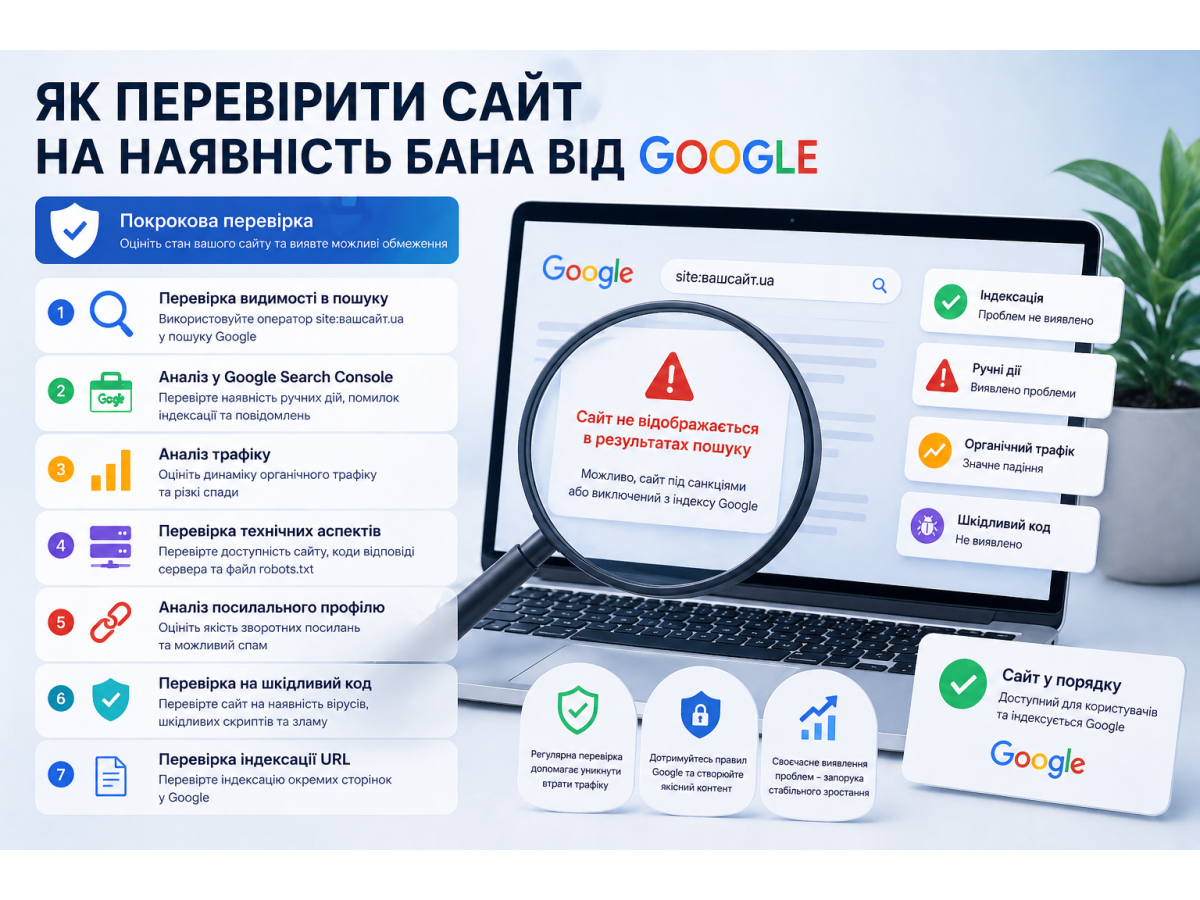
Understanding how to check if a website is banned by Google is essential for any business relying on organic traffic. Loss of indexation or a sudden drop in visibility directly impacts leads, sales, and overall marketing performance. This guide covers practical diagnostic methods, common causes of penalties, and a clear recovery strategy.
Table of Contents
- What a Google ban is
- Difference between penalties and a ban
- How to check if a site is banned
- Reasons for Google penalties
- Recovery plan
What a Google Ban Is
A Google ban means a website is completely removed from the search index. In this case, pages do not appear in search results—even for branded queries. This is a severe measure typically applied due to serious violations of Google’s guidelines.
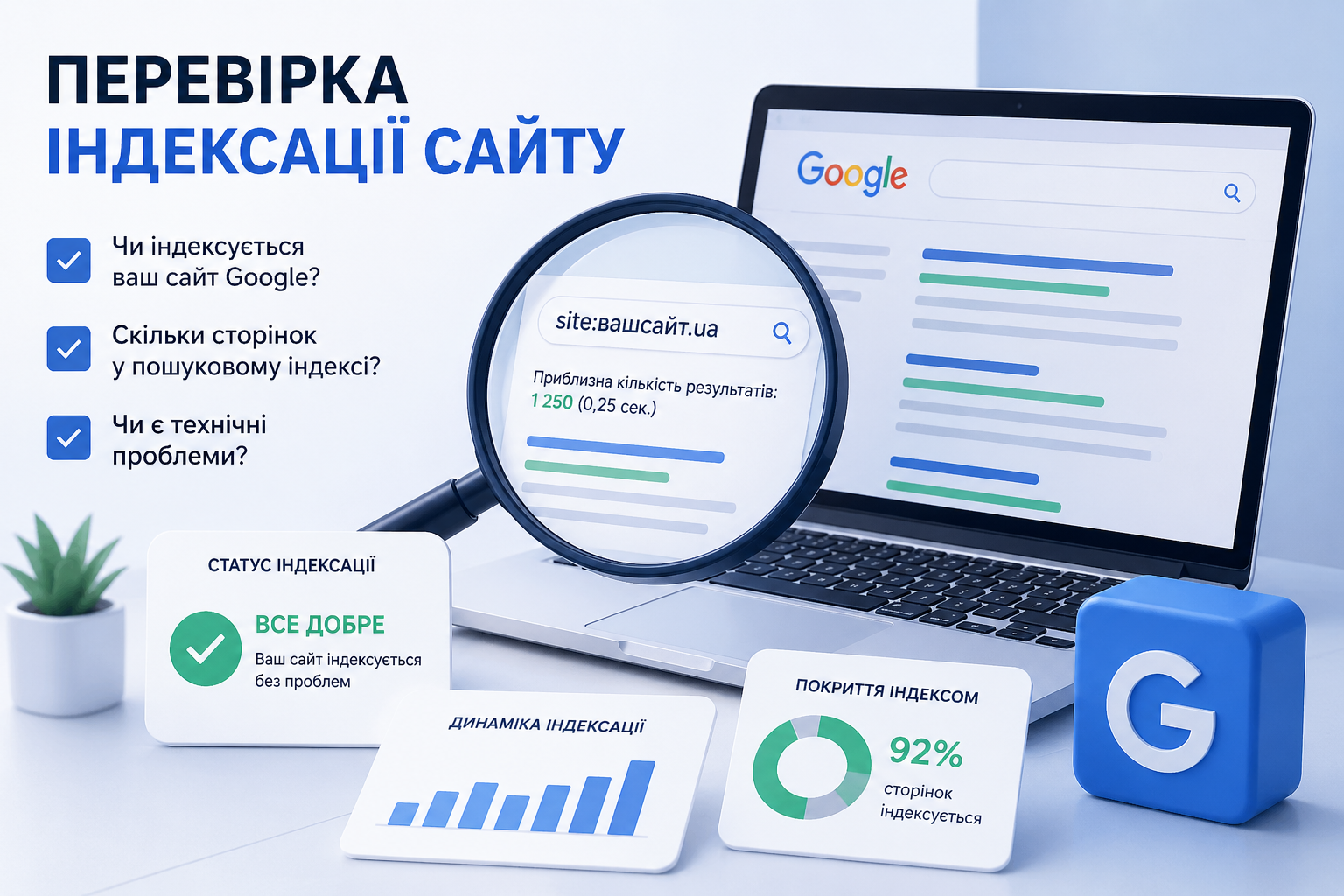
Checking indexation and visibility is the first step in diagnosing SEO issues
Difference Between Penalties and a Ban
It is important to distinguish between these two:
- Penalty — partial restriction (ranking drops, filtering of specific pages);
- Ban — complete removal from the index.
In most cases, websites are affected by penalties rather than a full ban.
How to Check If a Site Is Banned
Check Search Visibility
Use the site:yourdomain.com operator in Google. If no results appear, it may indicate deindexation.
Review Google Search Console
Check the following in Search Console:
- manual action notifications;
- indexing errors;
- coverage reports.
Analyze Traffic Trends
A sharp drop in organic traffic without seasonal factors is a strong indicator of penalties.
Check Server Availability and Logs
Frequent 5xx errors, unstable hosting, or blocked crawlers can cause pages to drop from the index.
Review robots.txt and Meta Tags
Common mistakes include:
- blocking important pages in robots.txt;
- using meta noindex incorrectly.
Evaluate Backlink Profile
Low-quality or spammy backlinks often lead to penalties.
Check for Malware or Hacking
A compromised website can be removed from search results entirely. Regular security checks are essential.
Check Indexing of Individual URLs
Use the URL Inspection tool in Search Console to analyze specific pages.
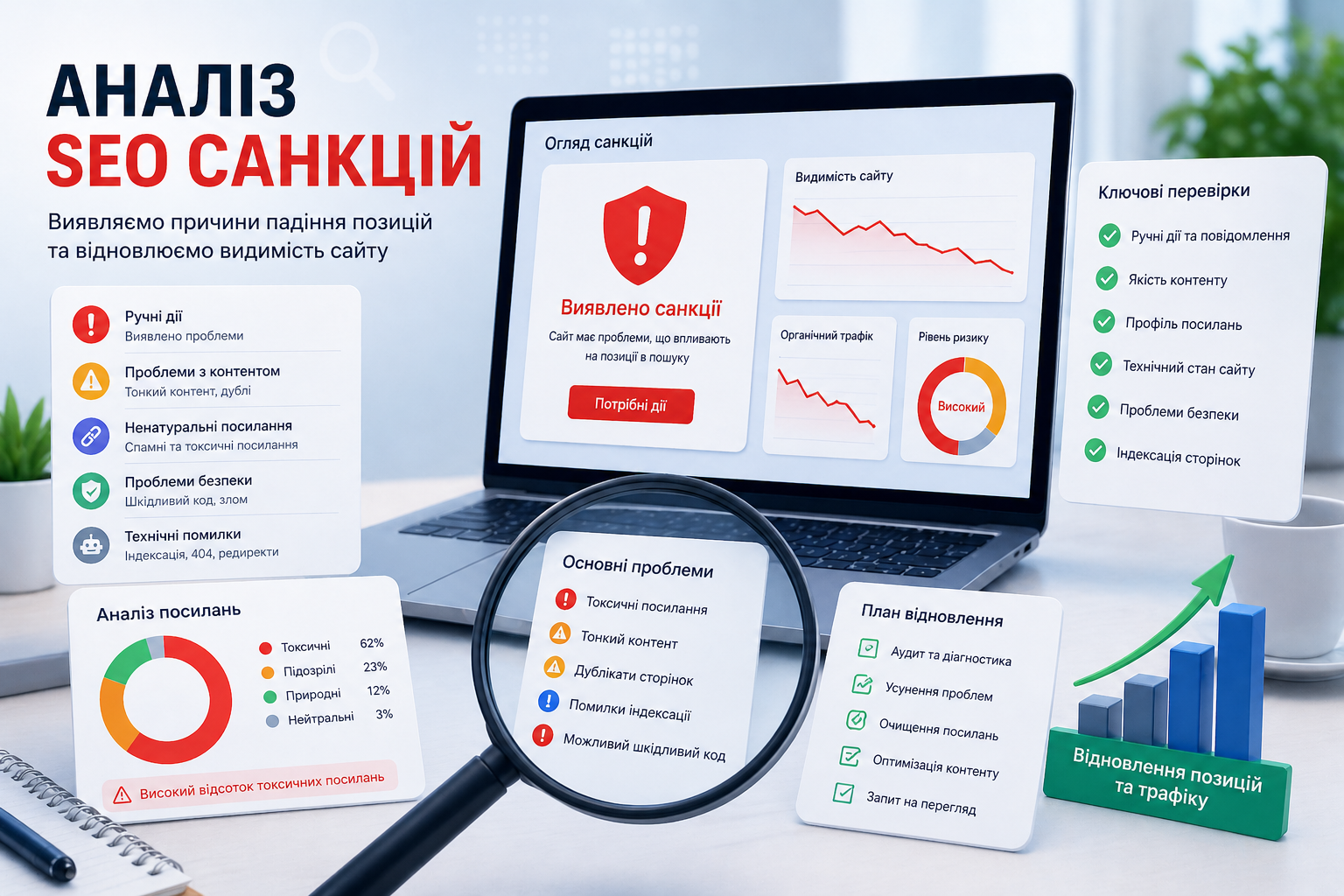
A comprehensive SEO audit helps identify issues and restore rankings
Reasons for Google Penalties
- hidden text or cloaking;
- link spam or manipulative backlinks;
- duplicate or low-quality content;
- malicious code;
- auto-generated pages;
- violations of Google guidelines.
Recovery Plan
| Stage | Actions |
|---|---|
| Audit | Analyze technical issues, backlinks, and content |
| Cleanup | Remove spam, fix errors |
| Optimization | Improve structure, indexing, and content quality |
| Reconsideration | Submit a reconsideration request to Google |
What to Pay Attention To
- sudden traffic drops;
- indexing errors;
- unnatural backlink spikes;
- site structure changes;
- security issues.
If your website has lost rankings or traffic, a superficial check is not enough. A comprehensive SEO audit helps identify the root cause and restore search visibility.
Learn more about professional solutions on the main page and in the SEO services section, where proven strategies for traffic growth are outlined.
Need консультацію?
If you need help with SEO, a website audit, or choosing the right promotion strategy, leave a request for a callback.
Request a callback